
Did you ever click on a link that redirected you directly to a visually appealing page? This all might be due to a well-designed landing page. Landing pages play a vital role in digital marketing, where they turn potential leads into customers. Additionally, having a landing page designed using GoHighLevel is a must for every business operating online.
But here's the thing. People don't like wasting time scrolling or guessing what your business has to offer. A solid landing page with clear and action-driven information is what attracts visitors and feels valuable to their concerns raised.
GoHighLevel is a platform gaining huge popularity among marketers, agencies, and business owners. It not only helps in building pages. You can use it to build high-converting pages, all while managing your leads, automation, and
campaigns in one place.
That’s why more and more people are ditching separate platforms and choosing it as an all-in-one solution to attract leads and convert them.
Why GoHighLevel Is Popular in 2026?
GoHighLevel continues to grow in 2026 because it combines tools that businesses usually manage separately. Users can manage pages, leads, follow-ups, and reporting in one place.
Some standout gohighlevel features include built-in CRM, landing page builder, automation workflows, appointment booking, and email and SMS follow-ups. These features help businesses move faster without relying on too many third-party tools.
This makes campaign management simpler and more consistent, especially for agencies and service providers.
Basics of Go HighLevel Landing Page Design
Creating a great landing page in Go HighLevel isn’t about doing something fancy. It’s about keeping things clean, helpful, and easy to follow. You can build a responsive and appealing landing page design by getting these basics right.
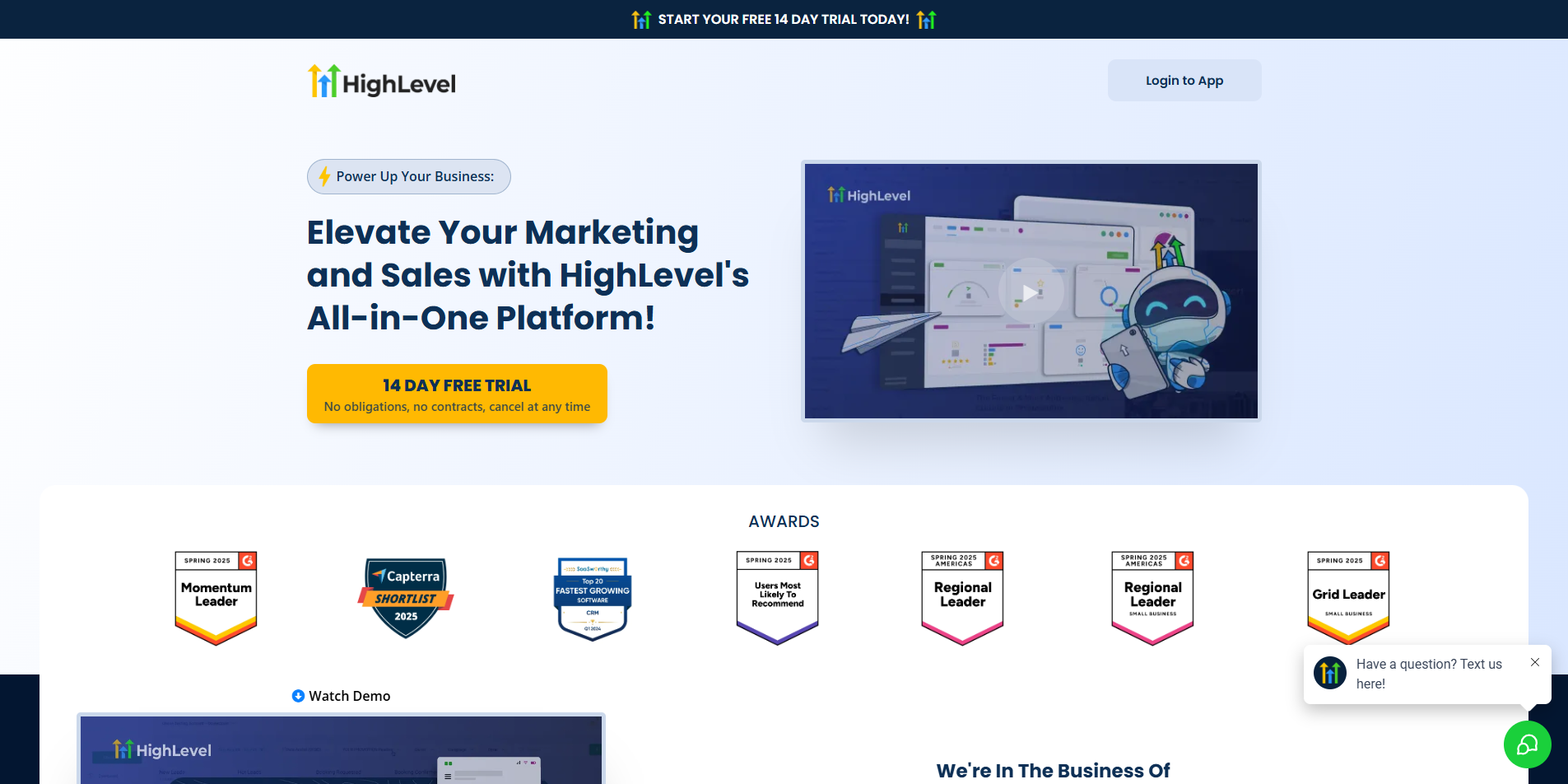
Start with a Headline That Engages Users
Your headline is the first thing visitors see and leaves an impact. Keep it short, clear, and focused on what’s in it for them. It should be catchy, grabbing their attention while telling them exactly what they’ll get.
Make It Look Good
You can use Go HighLevel’s design tools to develop a page that is appealing and fits your brand messaging.
Keep It Easy to Navigate
Nobody likes to scroll through messy text and get lost in choices. Try to keep the sections clean and guide them to the next steps with easy navigation.
Place Your CTA Naturally
Your CTAs should stand out without feeling abrupt or pushy. Ensure the right placement of CTA buttons. Also, you can test different styles or spots to see what interests and engages your audience.
Remember, a solid landing page should look more like a guide and not a sales pitch. It should answer questions and build users’ trust, and the CTA will work correctly itself.
Step-By-Step Process to Build Landing Pages Using Go HighLevel
Building a landing page in Go HighLevel is not that complex. Let’s see the step-by-step guide for hassle-free landing page building.
Step 1: Create Your GoHighLevel Account
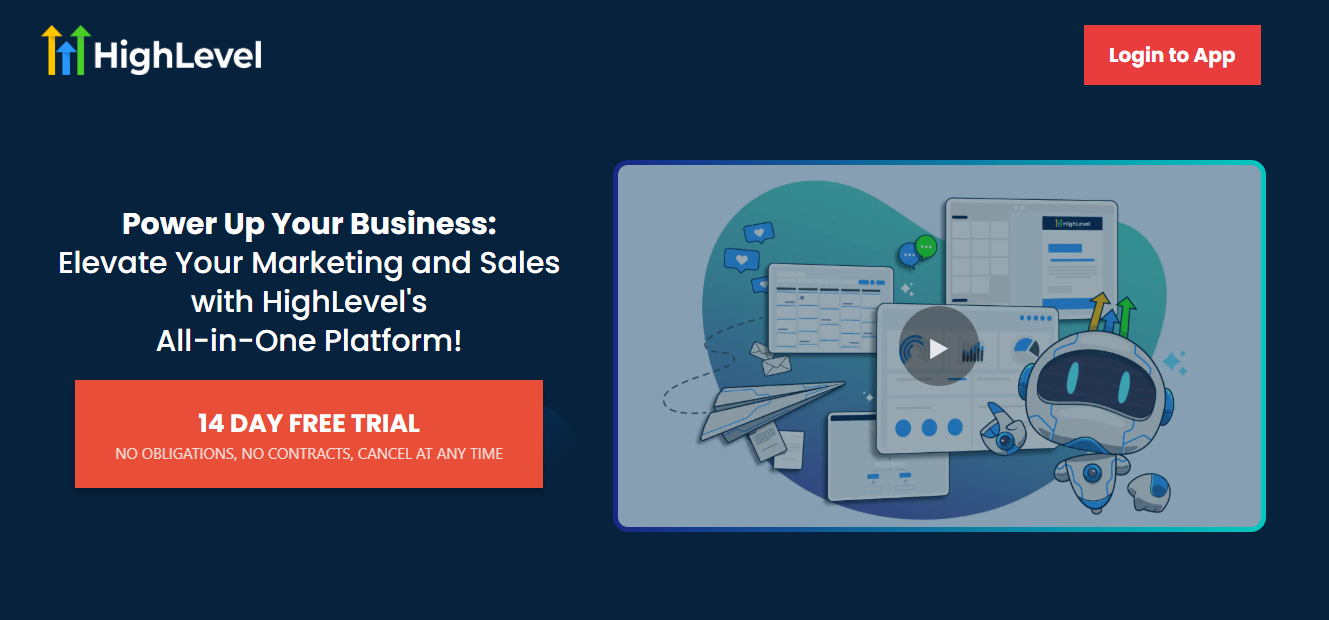
Sign up for GoHighLevel first. There’s usually a 14-day free trial. You can also use a partner link to get a full 30 days to test things out, build your pages, and see how it all works.
Upon signup, you will see your dashboard, where everything lives. It will include funnels, email tools, automation, CRM, and everything in place for which the platform loved by many.
A few standout tools you’ll find inside:
- Email Marketing: Design emails with an easy drag-and-drop builder, no coding needed.
- Automation: Set up follow-ups and customer journeys that run on autopilot.
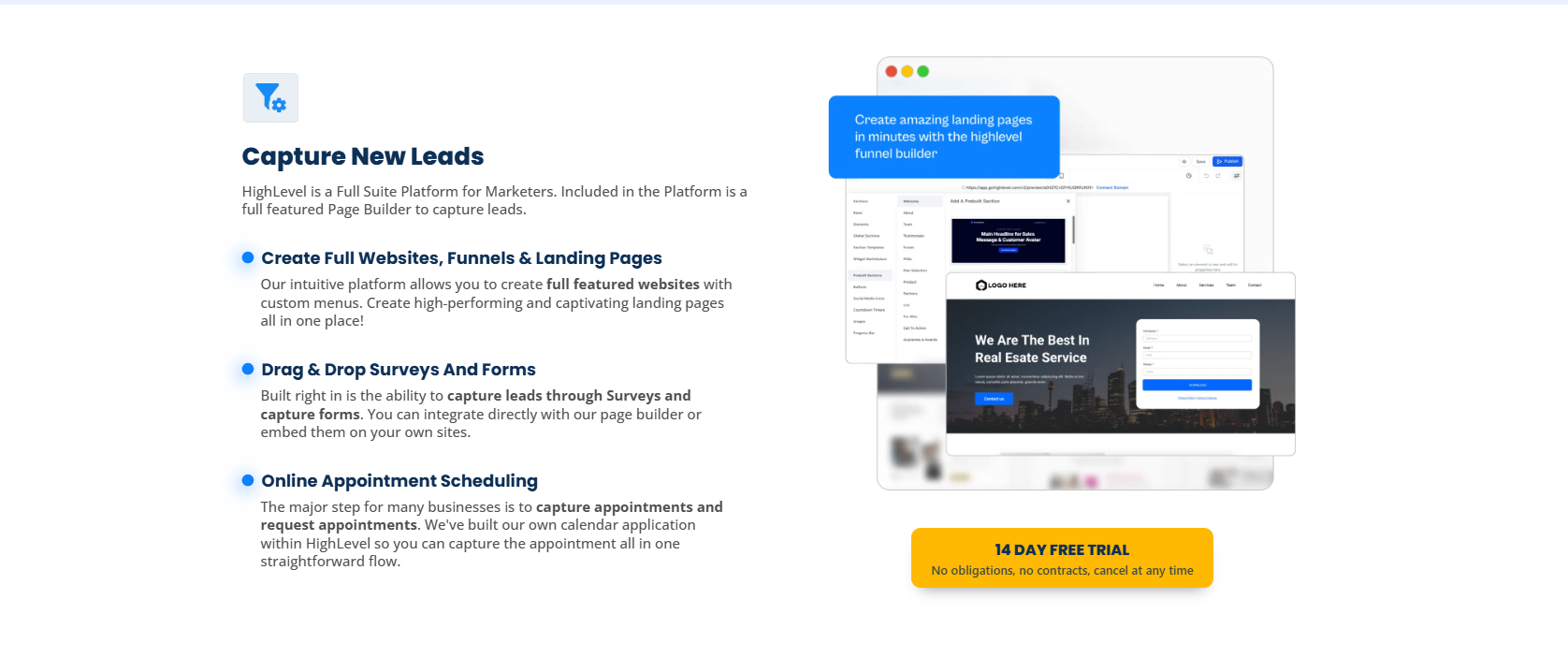
- Page Builder: Create clean, mobile-friendly landing pages that help you collect leads and drive sales.
Step 2: Start Building Your Funnel
Inside your dashboard:
- Click on the Sites tab
- Then hit Funnels
- Click + New Funnel
Now you’ve got two choices:
- Use a template: Great if you want to get going fast.
- Start from scratch: Gives you more creative freedom.
Quick Tip: Funnels usually convert better than websites. Why? Because they cut out all the clutter, no menus, no extra pages. Just one clear goal and path for your visitor.
Step 3: Customize Your Landing Page
Now it’s time to customize your page. Follow these aspects for effectiveness:
Headline:
- Make it clear what the visitor will get.
- Example: “Grow Your Email List Without Paid Ads”
Call-to-Action (CTA):
- Tell them exactly what to do next.
- Example: “Download the Free Guide” or “Book a Free Call”
Social Proof:
- Add a review, a client logo, or something that builds trust.
Design:
- Use clean fonts, easy-to-read text, and clear buttons. Keep it clutter-free.
- GoHighLevel’s builder lets you drag and drop everything like text, images, and forms without the technical skills required.
Step 4: Set Up Forms and Automation
- Build a form: Get the basics filled out, like name, email, or maybe phone.
- Add it to your page: Just drag in a form element and connect it to your form.
- Create a Thank You Page: After someone signs up, send them to a page that says what happens next.
- Set Up Follow-Up Messages: Use Workflows to automatically send a thank-you email or text, or even kick off your sales process.
This helps you stay on top of leads without having to do everything manually.
Step 5: Make It Mobile-Friendly
Most people visiting your landing page will be on their phone. So, inside the editor, switch to mobile view and:
- Check spacing so it’s not too cramped
- Make sure buttons are easy to tap
- Keep your form short and quick to fill out
This step alone can make a big difference in conversions.
Step 6: Launch and Go Live
Before publishing the landing page:
- Connect your domain
- Test the form to make sure it works
- Preview everything to see how it looks on desktop and mobile
- Add tracking (like Google Analytics or Facebook Pixel) if you plan to run ads
Once it all looks good, press Publish and start sharing your landing page with the world.
Final Thoughts
Creating a landing page that works doesn’t have to be hard. With GoHighLevel, it’s easy. You can drag and drop everything into place, no tech skills needed. It also comes with tools like follow-ups and lead tracking already built in. You can make a page that speaks to the right people. And the best part? You can start today.
If you want expert assistance, K & K Web Services can help. We create high-performing, responsive landing pages and even complete websites that drives more leads, better clients, and real results.
If you want expert assistance, K & K Web Services can help. As a team that regularly publishes web development blogs and builds conversion-focused digital solutions, we create landing pages and websites that drive real leads and measurable results.
Add New Comment